Loom vs Videomemo: The Free Open Source Screen Recorder Alternative
Tired of Loom's 5-minute limit? Videomemo is the free, open-source Loom alternative. Record up to 25 mins, get AI transcripts, and enjoy 1:1 support. Switch today.
Loom vs Videomemo: The Free, Open-Source Screen Recorder Alternative
Why engineering and product teams are switching to Videomemo for screen recording and asynchronous video communication.
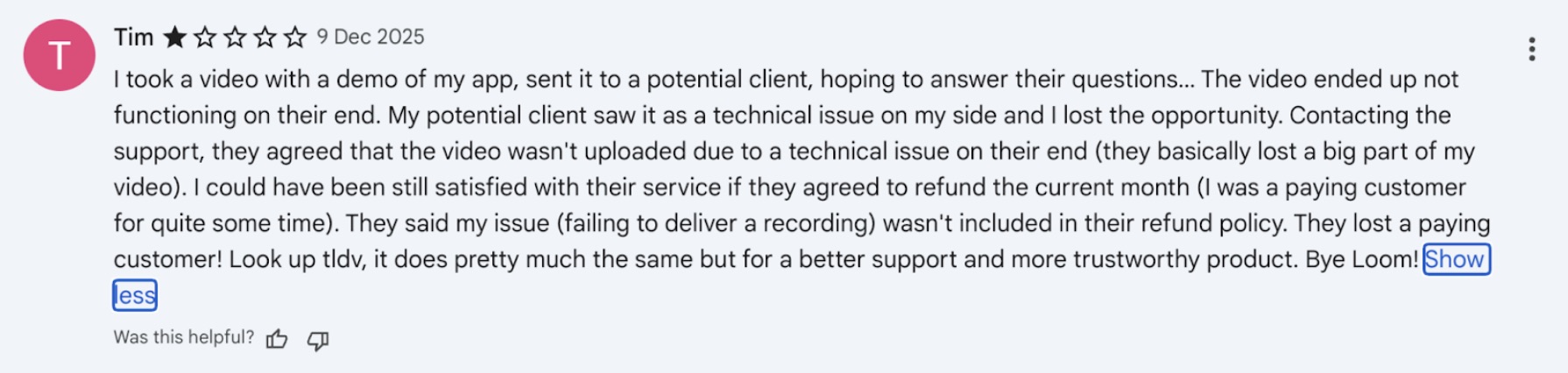
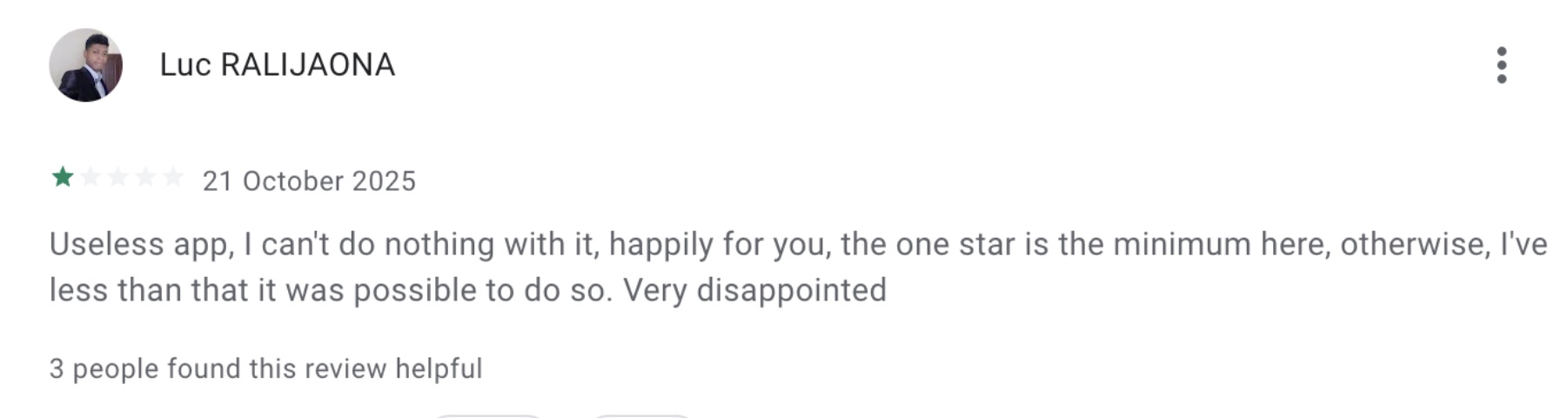
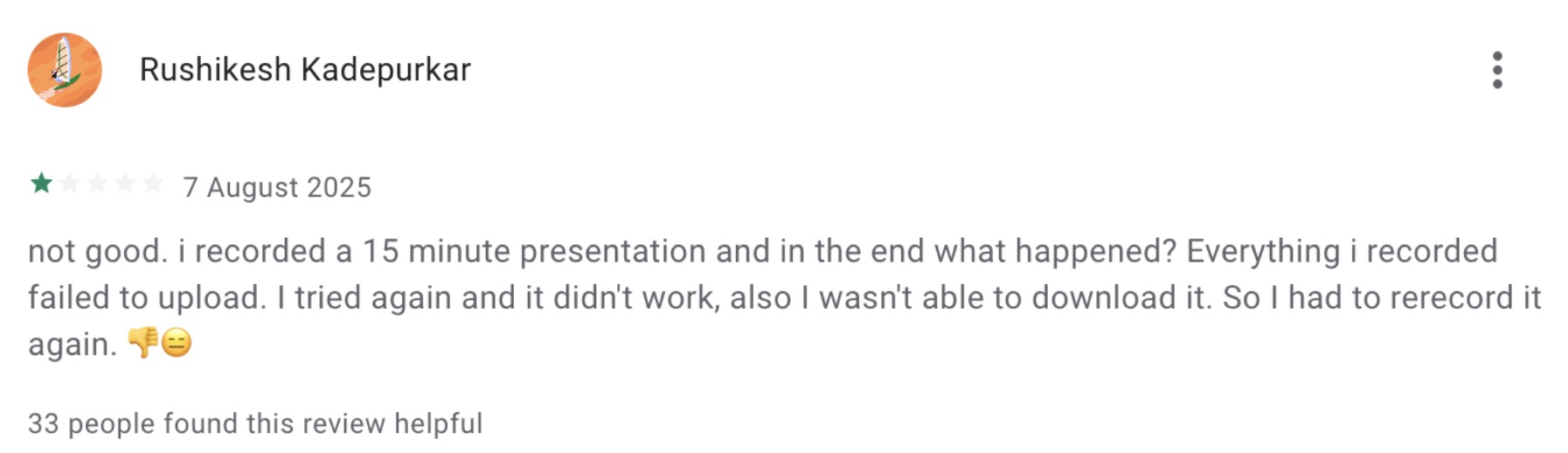
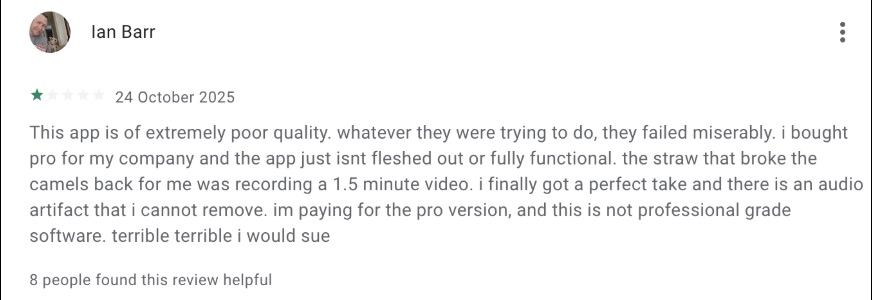
When it comes to asynchronous video, Loom has been the default choice for years. But as they pivot toward enterprise sales teams, many users are feeling left behind by restrictive limits, bloated features, and expensive pricing.
Enter Videomemo- the lightweight, open-source alternative built for builders.
At a Glance: Videomemo vs. Loom
If you are looking for a free Loom alternative that doesn’t cut you off mid-sentence, here is how we compare:
| Feature | Videomemo.ai | Loom |
|---|---|---|
| Type | Open Source | Closed Source |
| Free Limit | 25 Mins / Video | 5 Mins / Video |
| Monthly Limit | 40 Videos | 25 Videos |
| Cost | Free | Expensive |
| Support | Direct Team Support | Bot-based |
Feature Breakdown
Do you lose features by switching? Not the important ones.
- Collaboration: Both support reactions & comments.
- Sharing: Both offer instant link sharing.
- AI Transcription: Included in both.
- Platforms: Videomemo works on Mac/Windows (Chrome); Loom supports Mobile as well.
Why Switch to Videomemo?
1. Unblock Your Recording Limits
Nothing is worse than racing against a timer. Loom’s free plan cuts you off at 5 minutes—barely enough time to debug code. Videomemo gives you 25 minutes for free.
2. Built for Speed, Not Bloat
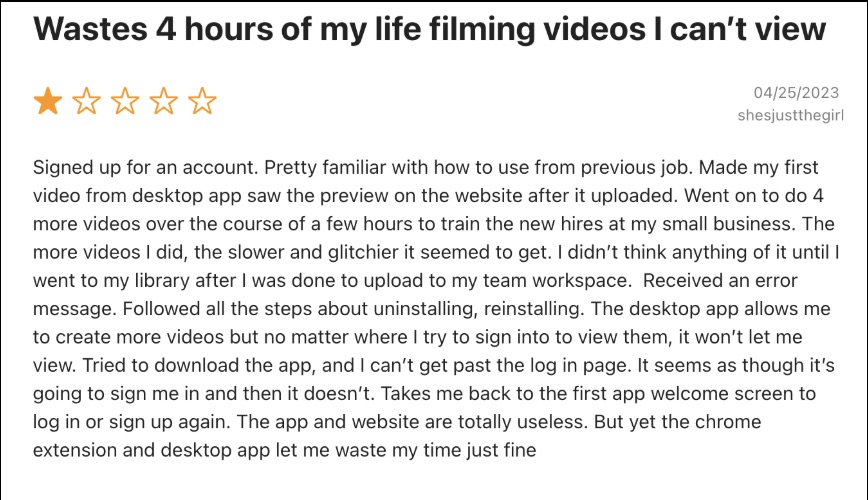
Loom has evolved into a heavy sales tool. Videomemo is optimized for performance—no rendering wait times.
3. Direct Support
Tired of bad customer support? With videomemo, you get direct access to the core team via our active Slack community. We build features based on your feedback.

The Developer-Friendly Choice
- Open Source Core: Trust the code you run.
- No “Salesy” Bloat: We don’t spam your workspace.
- [Coming Soon] APIs: Build video features directly into your own tools.
Frequently Asked Questions
Q: Is Videomemo supported on Mac? Yes! Videomemo works perfectly on Mac, Windows, and Linux via Chrome/Brave/Edge.
Q: How do I start recording? Install the Chrome Extension here, pin the icon, and click “Start Recording.”
Q: Can I record system sounds? Yes. You can capture microphone audio, system audio, or both.